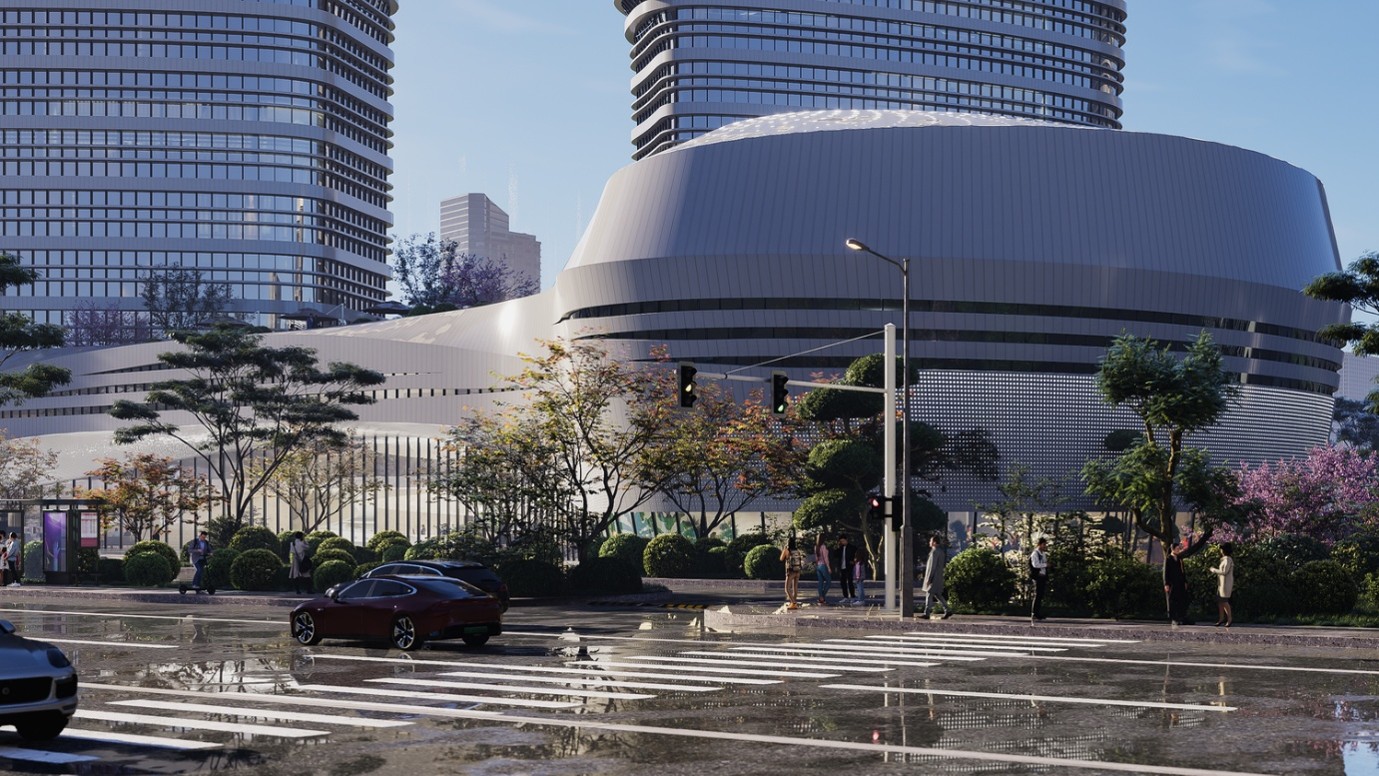
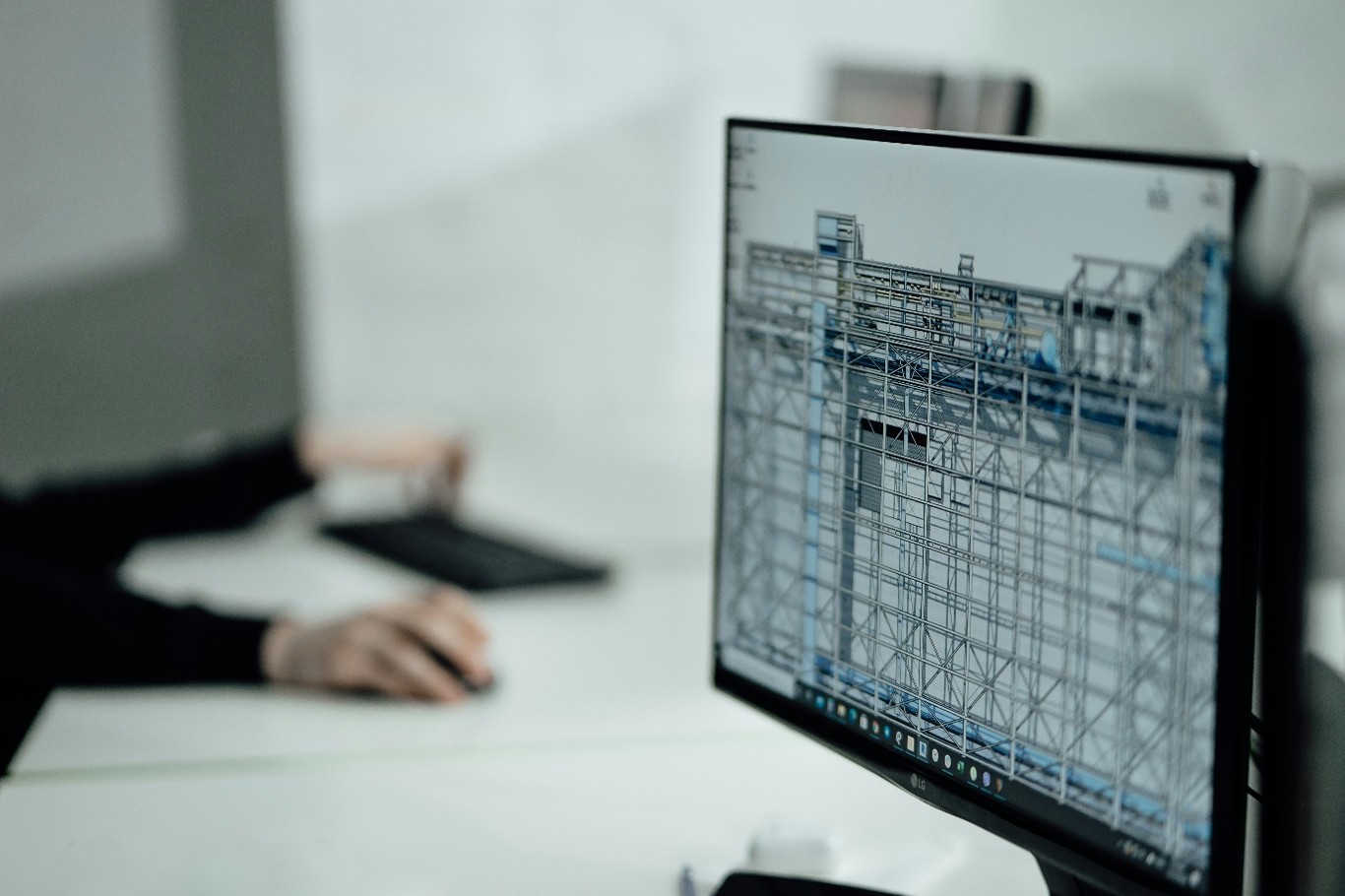
In the world of architectural design and Building Information Modelling (BIM), communicating your vision clearly is just as important as designing it. That’s where real-time visualisation becomes a game changer — turning complex BIM data into stunning, photoreal visuals that help your team and clients see the design before it’s built.
Today we’re exploring one of the most powerful and fluid workflows available: Archicad + D5 Render — a combination that bridges BIM modelling with real-time rendering like never before.
Why Combine Archicad with D5 Render?
Graphisoft Archicad is one of the most popular BIM platforms, trusted by architects and designers for creating detailed digital building models. These BIM models carry rich data — structure, materials, lighting, and more — but traditional visualisation workflows often require manual exporting and lengthy rendering cycles.
Enter D5 Render — a real-time rendering engine that syncs with Archicad to bring your designs to life instantaneously:
- Instant Feedback: Changes made in Archicad appear live in D5 without repeated export/import steps.
- High-Quality Output, Quickly: You can preview and adjust scenes in real time using GPU-accelerated rendering.
- Massive Asset Library: Thousands of ready-to-use assets — from trees to furniture — help enrich scenes fast.
- Preserved BIM Intelligence: D5 keeps BIM metadata and organization intact, letting you manage your project with clarity and precision.
This workflow isn’t just about pretty images — it’s about accelerating design decisions, improving client communication, and reducing time wasted on manual rendering management.
Step-By-Step Workflow
Here’s how you go from your BIM model to a photoreal visual using Archicad and D5:
1 – Model in Archicad
Build your architectural model just as you normally would — walls, openings, layers, materials, and lighting definitions all handled in BIM.
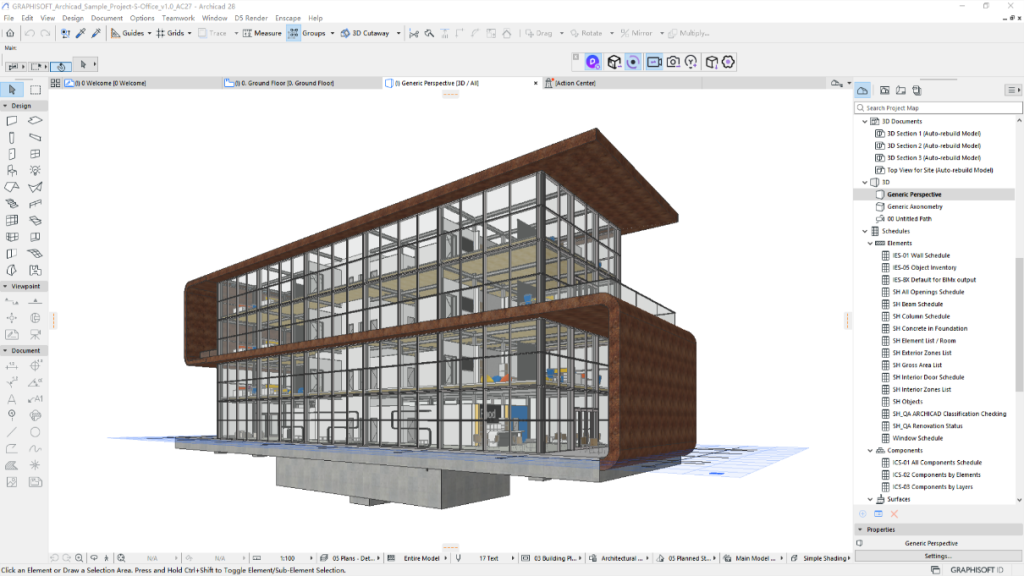
Figure 1: Sample model in Archicad
2- Install D5 Render
Install D5 Render and get the D5 LiveSync for Archicad plugin, which connects the two applications and supports Archicad versions 21 through 29.
3- Start D5 Render Directly from Archicad
With the plugin installed, you can launch D5 Render with a single click. Your model, materials, and basic lighting transfer automatically.
4- Use Live Sync for Real-Time Updates
Hit “Live Sync” and watch as changes in Archicad update instantly in D5 — geometry, materials, and even camera angles.
5- Refine Your Scene
Inside D5, adjust lighting, shadows, environmental settings, or enrich the scene with assets. The real-time feedback lets you iterate fast.
6- Export or Present
When you’re ready to share, generate high-quality stills, animations, or virtual walkthroughs tailored to clients and stakeholders.
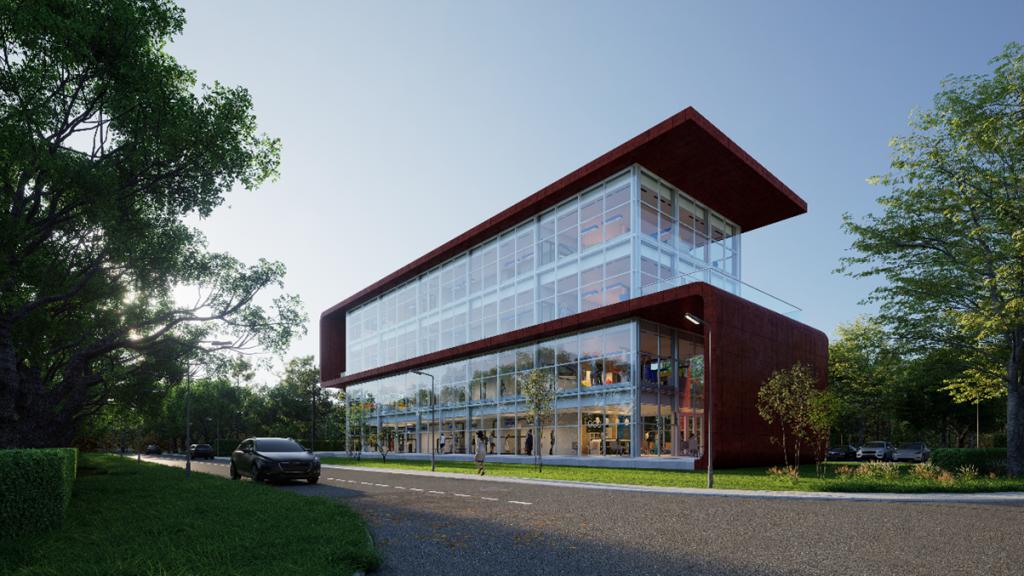
Figure 2: Sample model from Archicad rendered in D5 Render
Real Benefits for Teams & Clients
This workflow has shifted how many studios approach design and visualisation:
- Faster Decision-Making: Real-time visuals help teams explore design options without waiting for long render queues.
- Improved Client Communication: Presentations backed by near-final visuals help reduce misunderstandings early on.
- Better Design Evaluation: Seeing materials, lighting, and space interplays early can inform technical and aesthetic decisions.
As one architectural firm highlighted, visualisation isn’t just about polish — it becomes a design tool that supports clarity, coordination, and smarter decisions.